Install Caddy on Rocky Linux 8.x
Alternative Web Server besides Apache and Nginx. Installation on Rocky Linux 8.x
Preparation
Section titled “Preparation”You can connect to the server via SSH or console.
ssh [username]@[ip_server] -p [ssh_port]Update the system
sudo dnf updateAdd caddy repository
sudo dnf install 'dnf-command(copr)'sudo dnf copr enable @caddy/caddyInstallation
Section titled “Installation”Install Caddy
sudo dnf install caddyCheck Caddy Version
caddy versionSample Output of Caddy version

Set Firewall
Section titled “Set Firewall”Allow HTTP & HTTPS
Section titled “Allow HTTP & HTTPS”sudo firewall-cmd --permanent --zone=public --add-service=httpsudo firewall-cmd --permanent --zone=public --add-service=httpsRestart Firewall
Section titled “Restart Firewall”sudo firewall-cmd --reloadStart Service
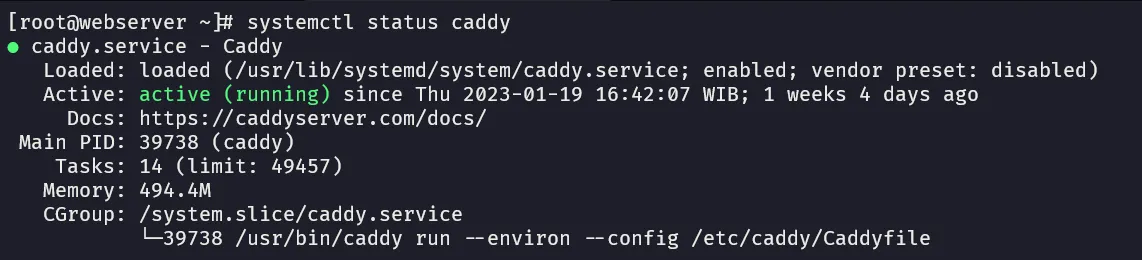
Section titled “Start Service”sudo systemctl enable --now caddysudo systemctl start caddysudo systemctl status caddySample Output of Service status.
Access the sample page
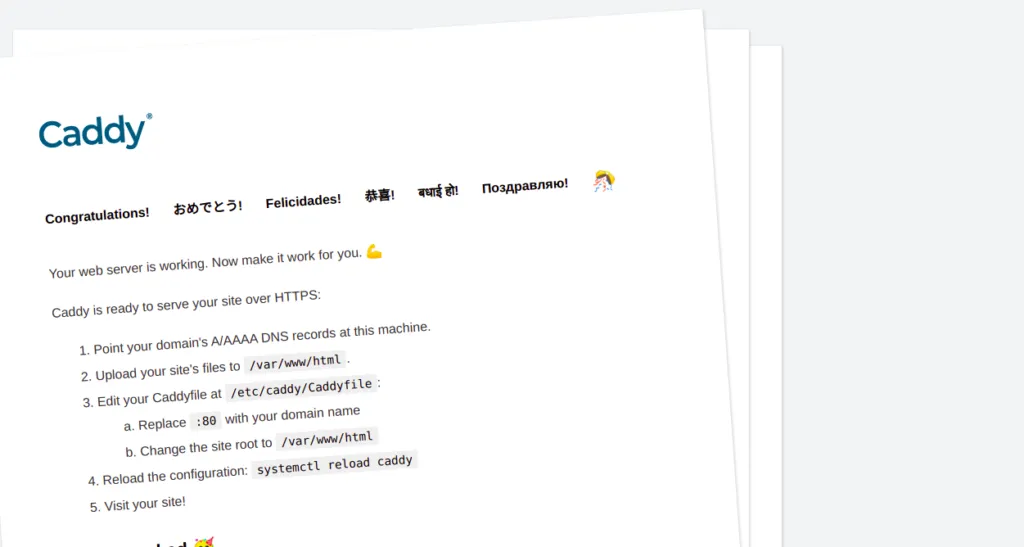
Section titled “Access the sample page”Open http://localhost or http://your-server-ip to access the sample page.
Output of Caddy sample page.