OpenCode Workflow TL;DR - From One Giant Setup to Daily System
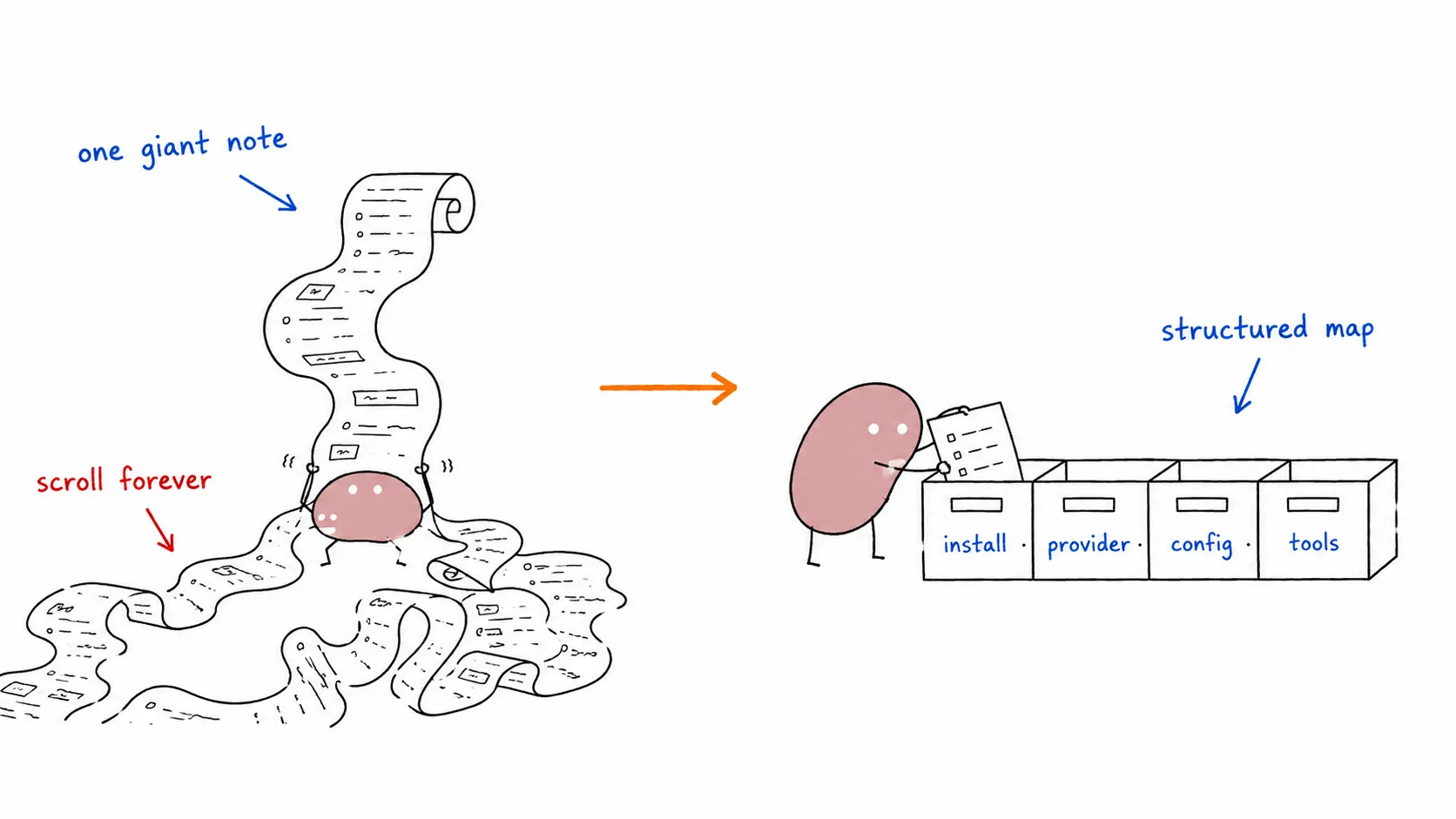

I used to keep everything in one giant setup note, but in real life it was hard to use as a daily reference. Every time I needed one specific thing (provider setup, MCP, model choice, troubleshooting), I had to scroll through a giant wall of text.
So I turned it into a structured workflow map in the OpenCode Overview: install, provider strategy, configuration, tools, operation mode, and troubleshooting.
What Changed (TL;DR)
Section titled “What Changed (TL;DR)”Instead of one massive guide, it is now split into practical pages:
- Quick Start
- Installation
- Configuration
- MCP Tools
- Project Rules
- Skills Integration
- Planner Strategy
- Troubleshooting
The main goal was simple: make this usable when actually working, not just “complete on paper.”
What’s New (June 2026)
Section titled “What’s New (June 2026)”The guides section has been trimmed and expanded:
- Narrative content (provider strategy philosophy, agent personalities, tool philosophy) has been distilled — the guides now focus on concrete HOWTO steps
- ECC — Everything Claude Code: 64 agents, 262 skills, 84 commands. Production-ready agent harness across Claude Code, OpenCode, Codex, and more
- Caveman — Token compression that cuts ~75% output tokens with zero accuracy loss. One-line install, works across 30+ agents
Workflow Mindset I’m Using Now
Section titled “Workflow Mindset I’m Using Now”- Pick provider path first (
opencode,opencode-go, orcliproxyapi) - Lock config once (providers, models, variants, MCP)
- Operate with roles (planner, worker, reviewer)
- Use focused references for model decisions and troubleshooting
That alone reduced context switching a lot.
Provider Strategy (Most Important Part)
Section titled “Provider Strategy (Most Important Part)”One key clarification in the docs:
cliproxyapiis not the only path.- For this repo,
cliproxyapiis mainly useful when I want multiple Codex-capable accounts behind one stable OpenAI-compatible endpoint, with retry/routing behavior centralized.
If I don’t need account pooling/load balancing, direct provider paths stay simpler.
Tooling That Actually Helped
Section titled “Tooling That Actually Helped”Besides MCP tools and agent harnesses, two local CLI tools are worth installing:
brew install ripgrep ast-greprgfor fast text searchsgfor syntax-aware structural search
For advanced workflows, ECC adds 64 specialized subagents (planner, architect, tdd-guide, code-reviewer, security-reviewer) and Caveman cuts token costs by ~75% with a one-line install.
Naming Reality Check
Section titled “Naming Reality Check”Another important thing I had to document clearly:
- Project branding now points to oh-my-openagent
- But many practical examples still use legacy names like
oh-my-opencodein plugin/config keys
So the docs explain both without pretending one side doesn’t exist.
Final Take
Section titled “Final Take”This wasn’t just a docs cleanup. It changed how I work with OpenCode day to day:
- faster onboarding
- clearer operational flow
- less re-reading giant setup notes
- better model/provider decisions during real tasks
If you’re still running from one giant setup markdown, split it into workflow pages. It’s one of those “small docs changes” that gives a big productivity return.