VPS Production-Ready with Caddy : The Simpler Alternative

VPS Production-Ready with Caddy : The Simpler Alternative
Section titled “VPS Production-Ready with Caddy : The Simpler Alternative”Companion to our Traefik-based guide. Same stack, simpler reverse proxy.
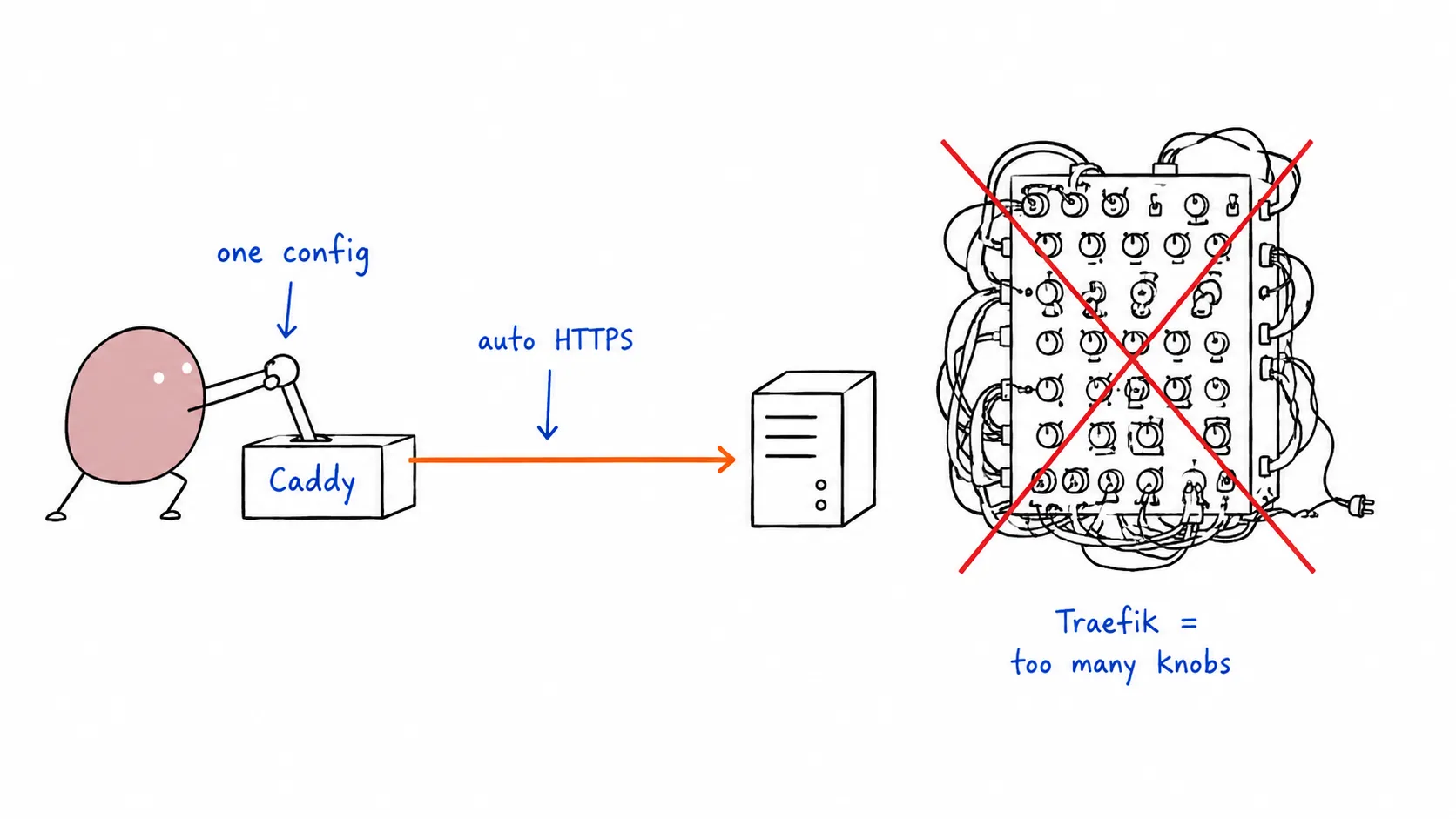
In the previous post we set up a production-ready VPS with Traefik : powerful, but heavy. Traefik’s config sprawls across YAML labels, ACME resolvers, entrypoints, and middleware chains. For most projects, it’s overkill.
Caddy does the same job with a fraction of the config. One binary, HTTPS by default, and Docker labels so clean you can read them in one breath.
This post covers the exact same 12-step stack, swapping Traefik for Caddy. All commands cover both Rocky Linux 10 and Ubuntu 26.04.
Steps 1–6: Identical to the Traefik Guide
Section titled “Steps 1–6: Identical to the Traefik Guide”Provisioning, user creation, DNS, SSH hardening, firewall, and Docker installation are exactly the same. Follow Steps 1–6 from the Traefik guide, then come back here.
Quick recap of where you should be:
- Non-root user with sudo/wheel
- SSH hardened (no password, no root login)
- Firewall: ports 22, 80, 443 open
- Docker installed, user in
dockergroup
Step 7: Build the Caddy + Docker Proxy Image
Section titled “Step 7: Build the Caddy + Docker Proxy Image”Caddy doesn’t natively discover Docker containers. We need the caddy-docker-proxy plugin : a lightweight module that watches Docker labels and generates routes automatically, just like Traefik.
Create a Dockerfile:
FROM caddy:2.9-builder AS builder
RUN xcaddy build \    --with github.com/lucaslorentz/caddy-docker-proxy/v2
FROM caddy:2.9
COPY --from=builder /usr/bin/caddy /usr/bin/caddy
Build it:
docker build -t caddy-docker-proxy .💡 Tip: Push this image to
ghcr.io/yourusername/caddy-docker-proxyso you don’t rebuild on every deploy. CI can handle it.
Step 8: Deploy the Stack with Caddy
Section titled “Step 8: Deploy the Stack with Caddy”Create ~/guestbook/ just like before, then write the compose.yaml:
services:  caddy:    image: caddy-docker-proxy    restart: always    ports:      - "80:80"      - "443:443"    volumes:      - /var/run/docker.sock:/var/run/docker.sock:ro      - caddy-data:/data      - ./Caddyfile:/etc/caddy/Caddyfile
  db:    image: postgres:17    restart: always    environment:      POSTGRES_PASSWORD_FILE: /run/secrets/postgres-password    volumes:      - postgres-data:/var/lib/postgresql/data    secrets:      - postgres-password
  guestbook:    image: ghcr.io/yourusername/guestbook:prod    restart: always    environment:      DATABASE_URL: postgres://postgres:${POSTGRES_PASSWORD}@db:5432/postgres?sslmode=disable    labels:      caddy: yourdomain.com      caddy.reverse_proxy: "{{upstreams 8080}}"    deploy:      replicas: 3    depends_on:      - db
secrets:  postgres-password:    file: ./db/postgres-password.txt
volumes:  postgres-data:  caddy-data:
That’s it. Three labels replace Traefik’s 8-label configuration.
The Caddyfile is minimal : caddy-docker-proxy handles routing from Docker labels:
{ debug}If you need custom middleware (rate limiting, IP filtering, header manipulation), add it here. For most apps, the empty Caddyfile above is sufficient.
Deploy:
export POSTGRES_PASSWORD=$(cat db/postgres-password.txt)docker compose up -dStep 9: Load Balancing : Auto-Discovery
Section titled “Step 9: Load Balancing : Auto-Discovery”Caddy + caddy-docker-proxy automatically discovers all containers for a service. With replicas: 3, Caddy round-robins across all three guestbook instances. No extra config.
docker compose up -d --scale guestbook=3Unlike Traefik, Caddy doesn’t track container health mid-request. If a container dies between discovery ticks, the next request may hit a dead backend for a few seconds. For most projects this is fine : the health check interval is configurable.
Step 10: HTTPS : Literally Nothing to Configure
Section titled “Step 10: HTTPS : Literally Nothing to Configure”This is where Caddy shines. HTTPS works out of the box. No ACME email, no challenge type, no certificate resolver, no storage volume for acme.json.
How? Caddy sees yourdomain.com in the Docker label, obtains a Let’s Encrypt certificate automatically, and renews it 30 days before expiry. The certificates live in the caddy-data volume.
Zero config. Not kidding.
Compare:
# No ACME config at all.# HTTPS just works.labels: caddy: yourdomain.com caddy.reverse_proxy: "{{upstreams 8080}}"# Traefik service needs:command: - "--entrypoints.websecure.address=:443" - "--certificatesresolvers.letsencrypt.acme.tlschallenge=true" - "--certificatesresolvers.letsencrypt.acme.storage=/letsencrypt/acme.json"# Plus per-service labels:labels: - "traefik.http.routers.guestbook.entrypoints=websecure" - "traefik.http.routers.guestbook.tls.certresolver=letsencrypt" - "traefik.http.routers.guestbook-http.rule=Host(`yourdomain.com`)" - "traefik.http.routers.guestbook-http.entrypoints=web" - "traefik.http.middlewares.redirect-to-https.redirectscheme.scheme=https" - "traefik.http.routers.guestbook-http.middlewares=redirect-to-https"HTTP → HTTPS redirect is also automatic with Caddy. No middleware labels needed.
Step 11: Automated Deployments (Watchtower)
Section titled “Step 11: Automated Deployments (Watchtower)”Identical to the Traefik setup:
services:  watchtower:    image: containrrr/watchtower    command:      - "--label-enable"      - "--interval"      - "30"      - "--rolling-restart"    volumes:      - /var/run/docker.sock:/var/run/docker.sock:ro
  guestbook:    labels:      # ... existing Caddy labels      - "com.centurylinklabs.watchtower.enable=true"
Step 12: Monitoring
Section titled “Step 12: Monitoring”Same as Traefik guide : Uptime Robot, Better Uptime, or self-hosted Uptime Kuma.
Final compose.yaml
Section titled “Final compose.yaml”services: caddy: image: caddy-docker-proxy restart: always ports: - "80:80" - "443:443" volumes: - /var/run/docker.sock:/var/run/docker.sock:ro - caddy-data:/data
db: image: postgres:17 restart: always environment: POSTGRES_PASSWORD_FILE: /run/secrets/postgres-password volumes: - postgres-data:/var/lib/postgresql/data secrets: - postgres-password
guestbook: image: ghcr.io/yourusername/guestbook:prod restart: always environment: DATABASE_URL: postgres://postgres:${POSTGRES_PASSWORD}@db:5432/postgres?sslmode=disable labels: caddy: yourdomain.com caddy.reverse_proxy: "{{upstreams 8080}}" com.centurylinklabs.watchtower.enable: "true" deploy: replicas: 3 depends_on: - db
watchtower: image: containrrr/watchtower command: - "--label-enable" - "--interval" - "30" - "--rolling-restart" volumes: - /var/run/docker.sock:/var/run/docker.sock:ro
secrets: postgres-password: file: ./db/postgres-password.txt
volumes: postgres-data: caddy-data:Traefik vs Caddy : Which One?
Section titled “Traefik vs Caddy : Which One?”| Traefik | Caddy | |
|---|---|---|
| Config lines (HTTPS + routing) | ~15 lines | 3 labels |
| HTTPS setup | ACME resolver, email, storage | Zero config |
| Docker discovery | Built-in | Plugin needed |
| Custom image required | No | Yes (build step) |
| Dashboard | Built-in (:8080) | None |
| Middleware | Rich chain system | Caddyfile directives |
| Health-aware LB | Yes | Basic (DNS-based) |
| Resource usage | ~40 MB RAM | ~20 MB RAM |
| Best for | Complex routing, multiple services, API gateways | Simple apps, static sites, quick deploys |
Verdict: If you’re deploying a single app or a small handful of services, Caddy wins on simplicity. If you’re building a multi-service platform with complex routing rules, rate limiting, and circuit breakers : Traefik is the better tool.
Both are excellent. Pick the one that matches your complexity budget.
Checklist
Section titled “Checklist”- Non-root user with sudo/wheel
- SSH hardened
- Firewall: 22, 80, 443 open
- Docker + user in docker group
- Custom Caddy image built (
caddy-docker-proxy) - App deployed with Caddy labels
- HTTPS active (auto)
- Multiple replicas running
- Watchtower handling rolling updates
- Uptime monitor configured
Caddy strips the ceremony out of reverse-proxying. Three labels, zero HTTPS config, and a single binary. For most projects shipping to a VPS, that’s exactly the right amount of complexity.
Already set up with Traefik? The migration is swapping the reverse proxy service and updating labels. Everything else : Docker, Postgres, Watchtower, firewall : stays the same.